Photobooth Online — Free Photo Booth in Your Browser

Filter · 8
Frame · 7
Photos are processed locally in your browser — never uploaded, never stored.
Tap Start camera, then Take photo strip, smile through the countdown, and download. No sign-up, no app, no email.
What is this online photobooth?
This is a free photobooth that runs entirely in your browser. Open the page, allow the camera, and press one button: the booth counts down, takes three or four photos in a row, and stacks them into a classic photo booth strip you can download straight away. There is no account to create, no app to install and no email address to hand over.
The idea comes from the old curtained booths in train stations and arcades. You sat down, the flash fired a few times, and minutes later a narrow strip of pictures dropped out of a slot. Our version keeps that rhythm, but works on a phone, a laptop or a tablet, and saves the finished strip as a high-resolution PNG that is large enough to print.
People use it for birthday parties, weddings, hen nights, school events, team offsites, or simply to pull silly faces with friends. Because everything happens on your own device, it is quick too: after the last countdown your strip is ready in about two or three seconds.
How to use the photobooth in 3 steps
Start the camera
Tap the Start camera button on the camera frame, then tap Allow when your browser asks. The front camera opens first. Use the Flip button to switch to the rear camera when you want to shoot a group.
Pick a layout and tap once
Choose three or four photos, then press Take photo strip. A large 3-2-1 countdown runs before the first shot, with a shorter pause between the rest. Strike a new pose every time.
Style it and download
Your strip appears at once. Change the filter or the frame as often as you like, then press Download PNG. Not happy with it? Tap Retake and go again.
Strip layouts, filters and frames
Two layouts are available. The three-photo strip is shorter and easy to share on social media. The four-photo strip is the traditional one and fills a standard print strip nicely. Both use square photos, so faces stay centered in every frame.
There are eight filters, from Normal and Black & White to Vintage, Retro 70s, Film, Noir, Pop and Christmas. Seven frames sit around the photos: cream, white, black, orange, teal, a vintage paper border and a holly-trimmed Christmas border. You can change either one after the photos are taken, so you never need to reshoot just to try another look.
Want a closer look? Try the photo strip maker, browse the photobooth filters, step back in time with the vintage photobooth, or get festive with the Christmas photobooth.
Photo strip examples
These three sample strips show how frame and filter change the mood. They are illustrations; your own strip will use your camera.
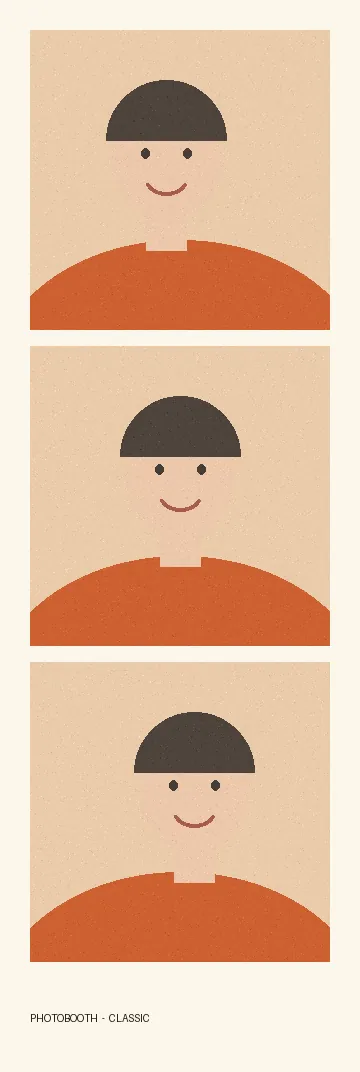
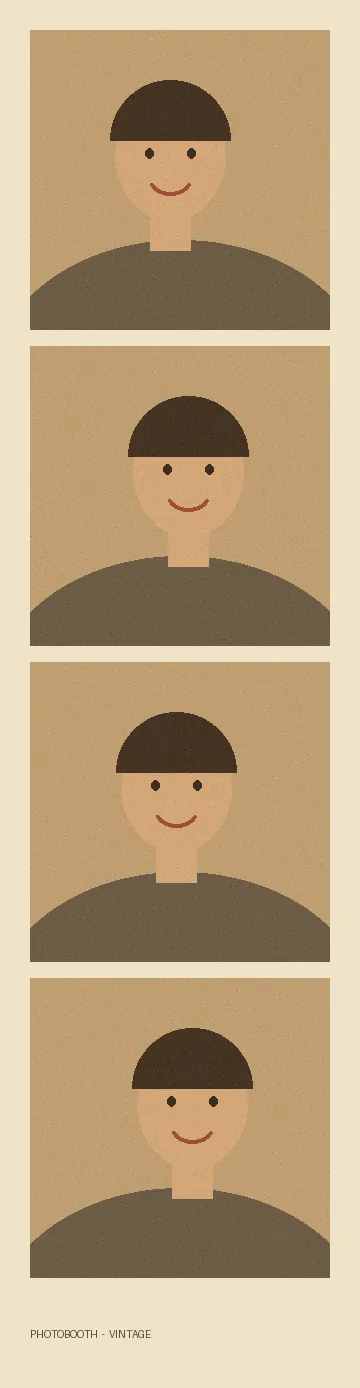
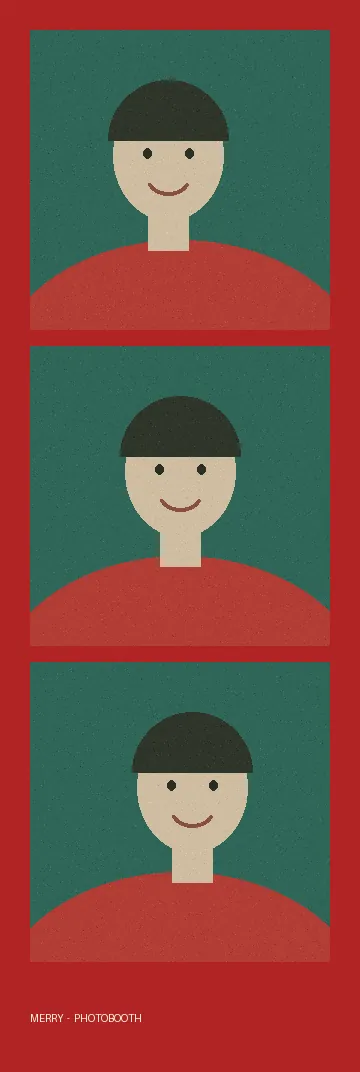
Your photos stay on your device
Photos are processed locally in your browser — never uploaded, never stored.
The camera picture is shown in a video element on this page. Each shot is drawn onto a canvas in your browser's memory, filters are calculated by JavaScript on your own device, and the PNG you download is created from that canvas. The site has no server that receives images, so there is nothing for us to store or look at. Close the tab and the pictures are gone. You can check this yourself by watching the network tab in your browser while you take a strip. Read the full privacy page for details.
Tips for better photo strips
Face a window or a lamp so the light falls on your face, and avoid standing in front of a bright background. Hold the phone at arm's length or prop it against something steady. The camera crops a square from the middle, so keep faces near the center. Plan four poses before you start: a normal one, a silly one, a close-up and a group hug.
For printing, the downloaded PNG is 1200 pixels wide. At 300 dpi that prints about 4 inches wide, and at 600 dpi about 2 inches wide, which is the size of a traditional photo booth strip. Print on matte or glossy photo paper and trim along the edges.
Explore more photobooths
Frequently asked questions
Is this online photobooth really free?
Yes. There is no watermark, no sign-up and no limit on how many strips you make.
Are my photos uploaded anywhere?
No. Photos are processed locally in your browser — never uploaded, never stored. Everything happens on your device, and the page makes no request that sends an image anywhere.
Does it work on iPhone and Android?
Yes. Use a recent version of Safari, Chrome or Firefox, open the page over https and allow camera access when asked.
How big is the downloaded PNG?
The strip is 1200 pixels wide. A three-photo strip is about 1200 × 3600 pixels and a four-photo strip about 1200 × 4680 pixels.
Can I change the filter or frame after taking the photos?
Yes. Tap any filter or frame and the strip redraws straight away. You only need to retake if you want different poses.
Why is my camera not starting?
The camera only turns on after you tap Start camera. If your browser shows a block message, click the camera icon in the address bar, choose Allow, then tap Try again. Also close other apps that use the camera.